On our site, navigate to Maps from the menu at the top.
Step 2:
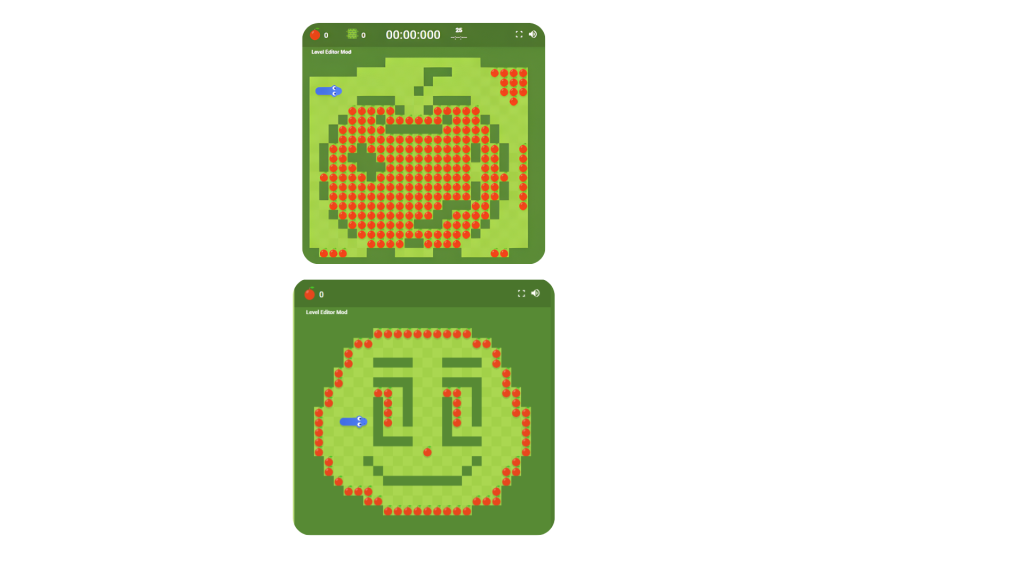
Select the map you would like to play and copy the code using the copy button.
Step 3:
Head over to the Google Snake Mods website. In the bottom right corner, select change mod.
Step 4:
From the snake mod loader section, select the level editor Mod and click apply .
Step 5:
Click the preset button and then select custom at the top.Then select import and paste the code in the specified area. If the Game starts without the map loaded, simply lose that game, and it should load the map on the next try.
P.S…../Make sure that the map is set to Large and wall mode is active….